
Your Mac screen, as easy on the eyes as paper.
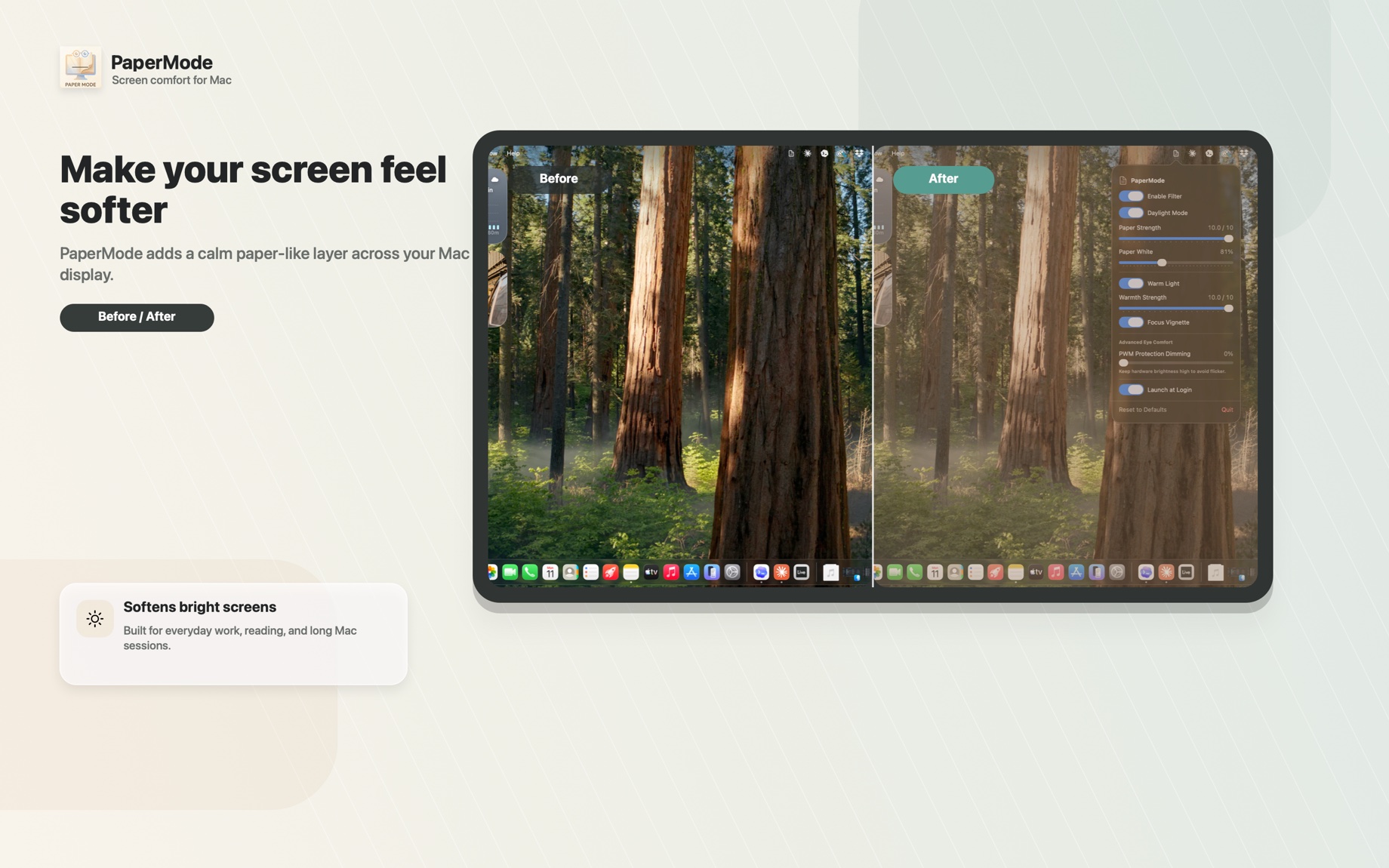
PaperMode softens the harsh white, warms the light, and calms the glare — so your screen feels less like a lamp and more like a page.
One-time $9.99 · No subscription · No account · Works offline
Bright screens are tiring. Paper isn't.
A page reflects soft light. A Mac shines hard, blue-white light straight at your face — document after document. No brightness slider changes what kind of screen it is.
You've probably already tried the obvious fixes:
- Turned the brightness down — and now you can barely read it, but it still feels harsh.
- Night Shift or f.lux — warmer, sure, but it's still a bright lamp, just an orange one.
PaperMode takes a different approach: instead of dimming the lamp, it makes the screen behave more like paper.
A closer look
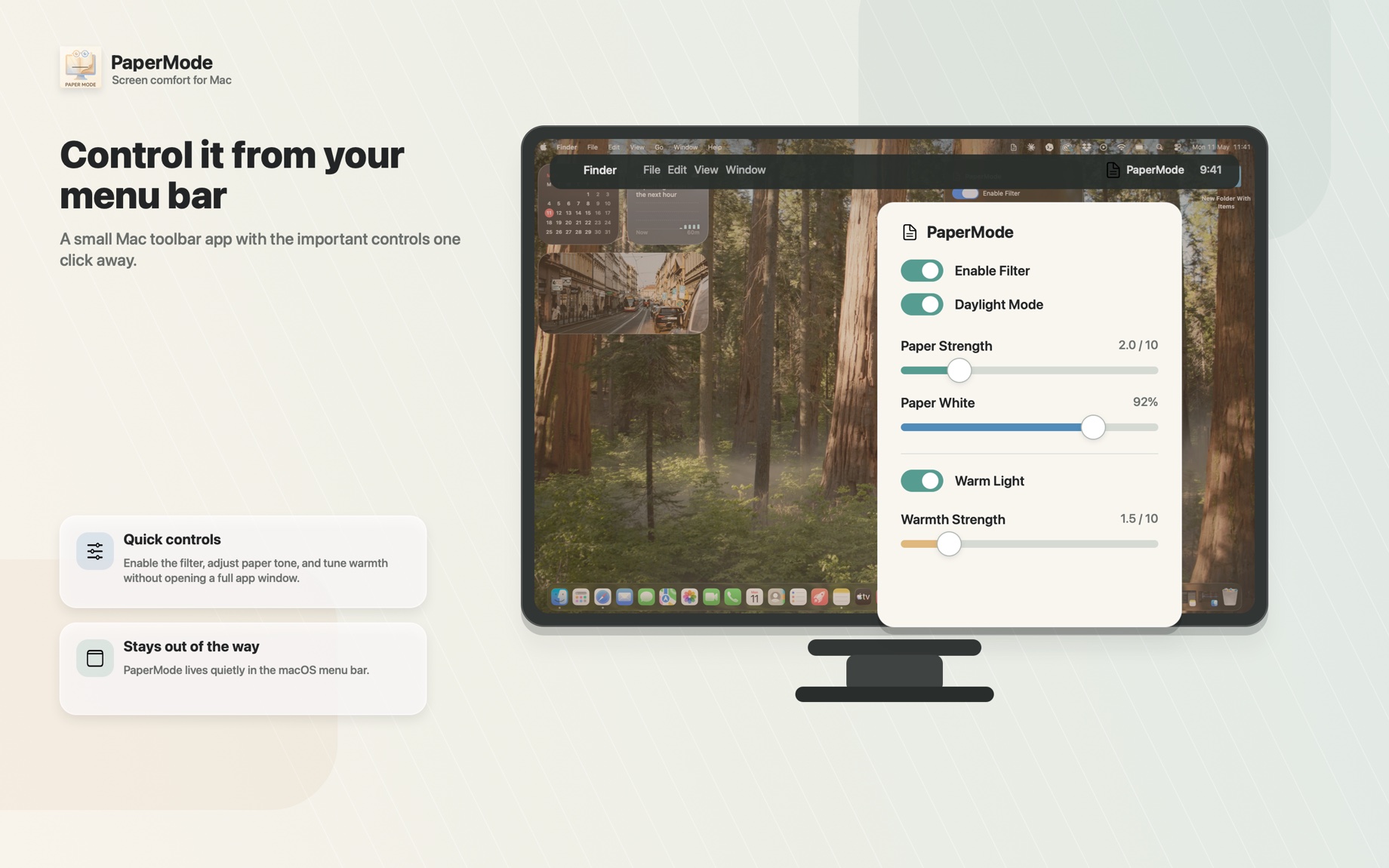
From a softer everyday screen to the menu-bar controls — here's PaperMode at work.
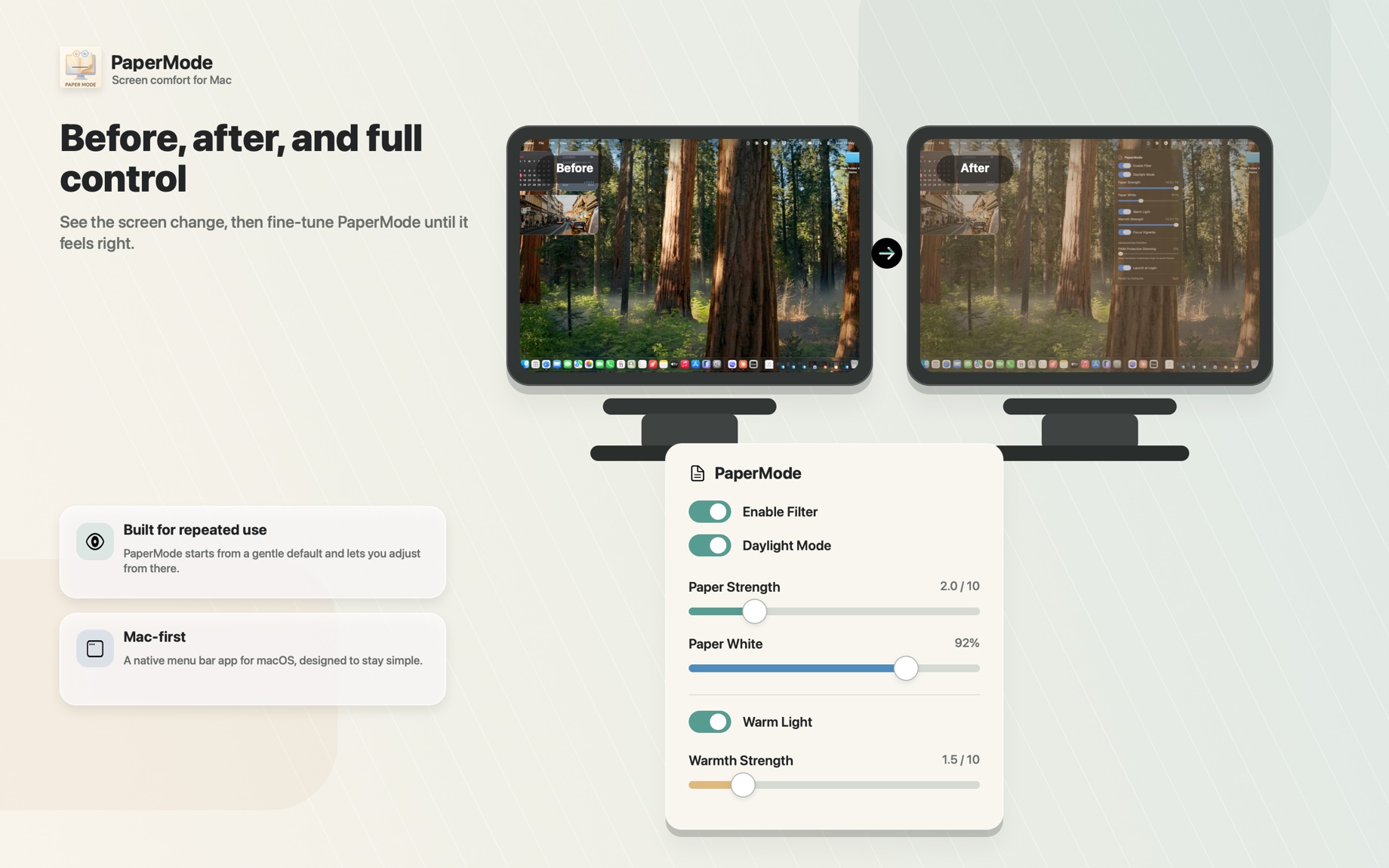
Everything that makes it feel like paper
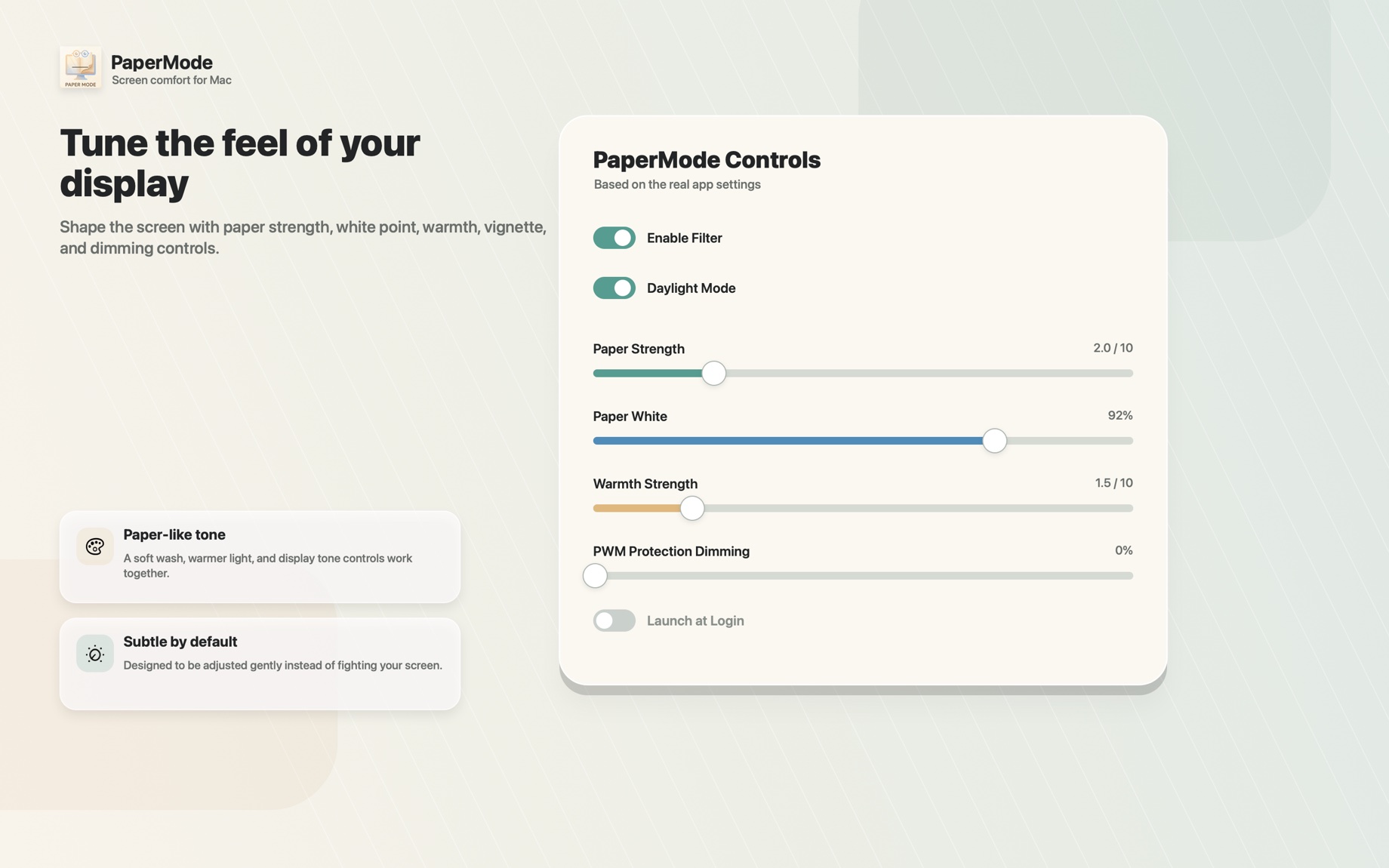
Subtle by default, and every bit is yours to adjust.
Paper tone
Replaces the stark white glare with the warm off-white of a real page. Subtle out of the box, fully adjustable.
Paper White
The clever part: it lowers the harsh white ceiling so bright whites stop shouting — while text and detail stay perfectly readable. A brightness slider can't do that.
Warm light
Strips the cold blue edge for a cozier, lamp-lit-room feel. On by default; dial it up or off.
Focus vignette
Softly darkens the edges of the display so your eyes settle on the middle of your work. Optional.
Software dimming
Dims in software so you can keep hardware brightness high — handy if low brightness ever feels flickery.
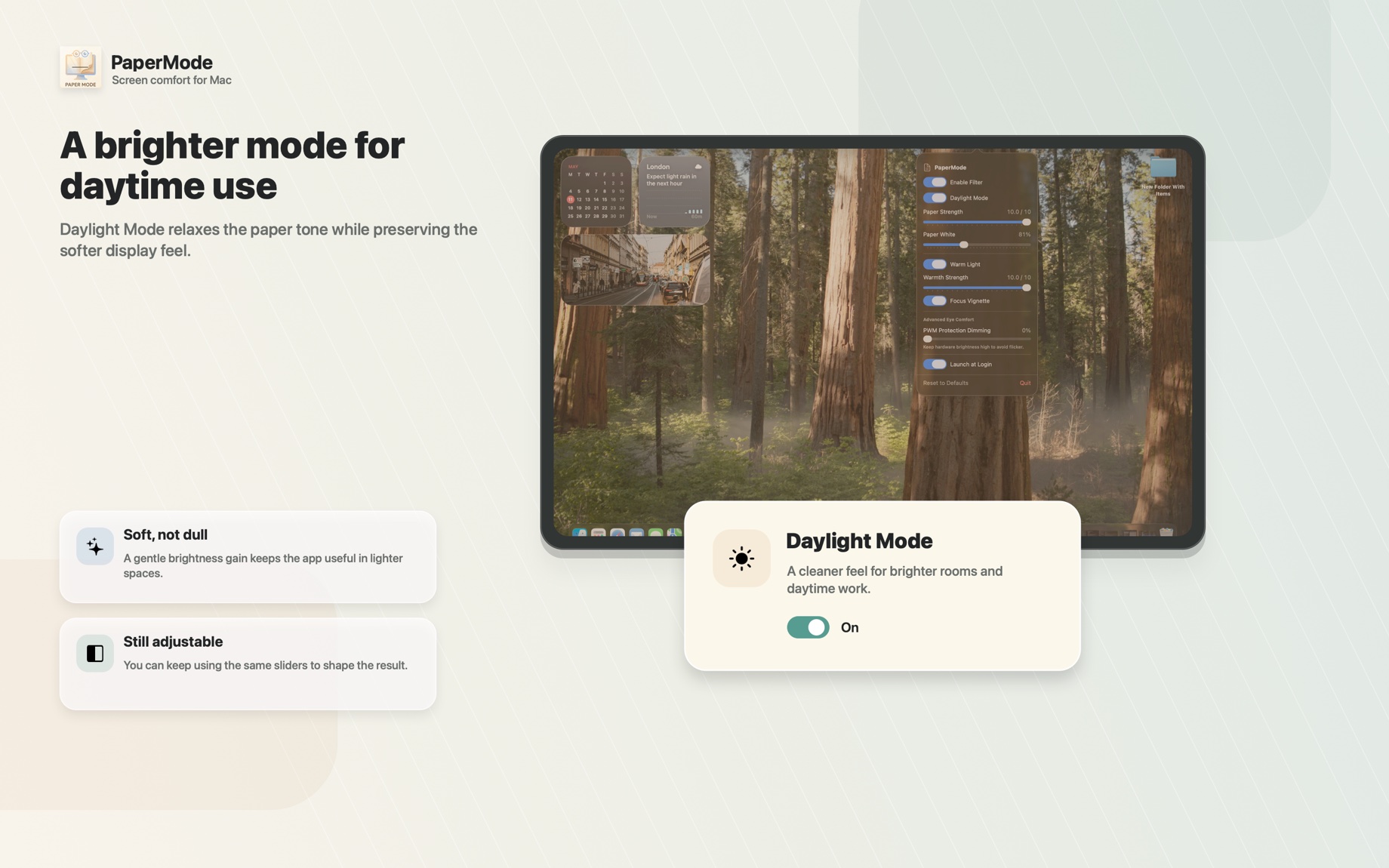
Daylight Mode
One tap keeps the paper feel but brightens up for a sunny room or a bright office.
Covers every connected display, lives quietly in your menu bar, and remembers your settings.
A screen-comfort app that literally can't see your screen.
PaperMode is about as private as software gets — not because we promise to be good, but because it simply has no way to spy on you. There's no networking code in it at all.
Make your Mac something your eyes can relax into.
Buy it once, and it's yours. No subscription, no account, and nothing ever leaves your Mac.
Requires macOS 13 or later · One-time $9.99